








Handle what's waiting for you, in bulk
The actions waiting for you now stand out and can be handled in bulk, from a dashboard, a page for each channel and a quality score for each sheet.
What’s waiting for you, in plain sight
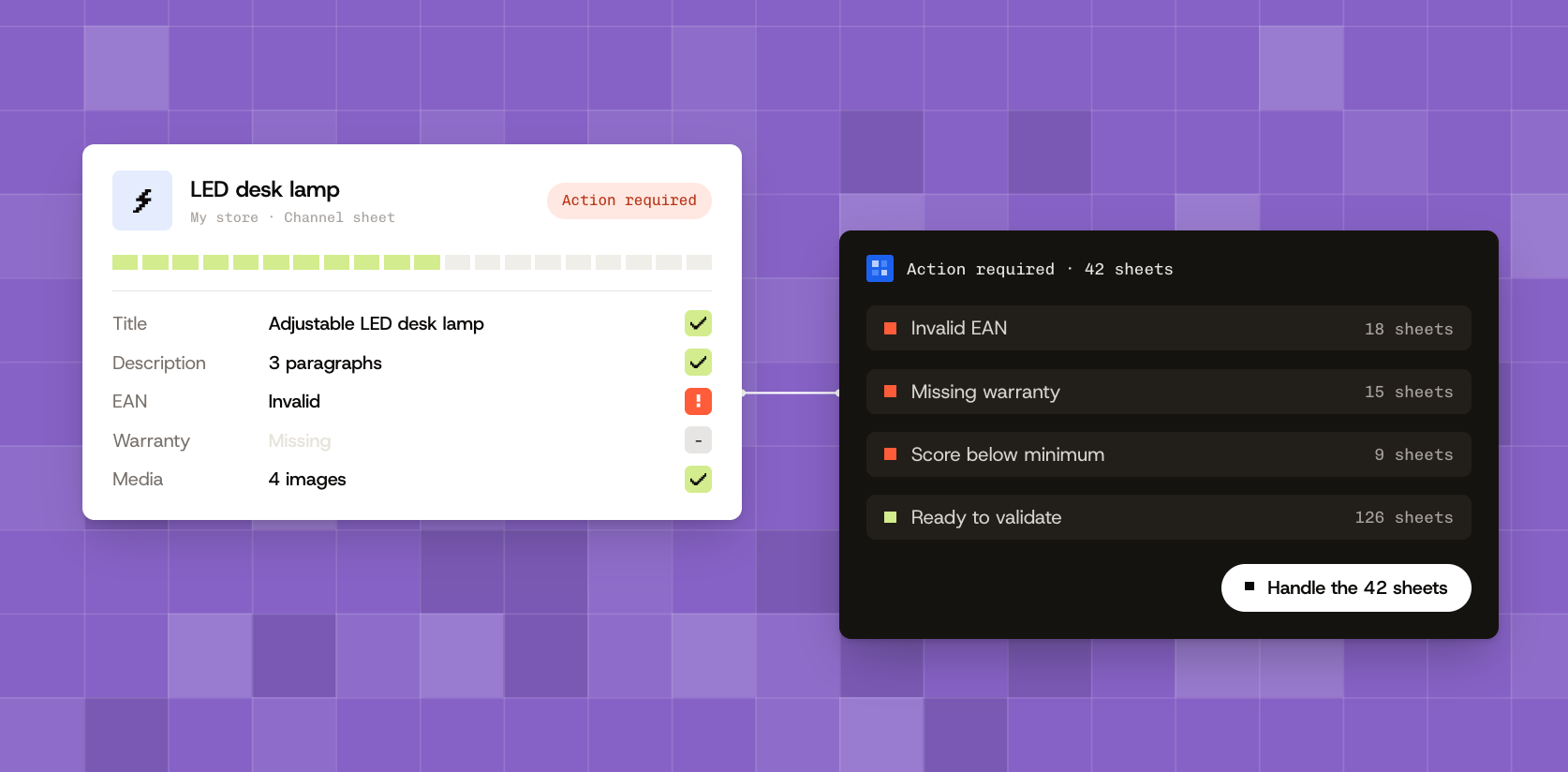
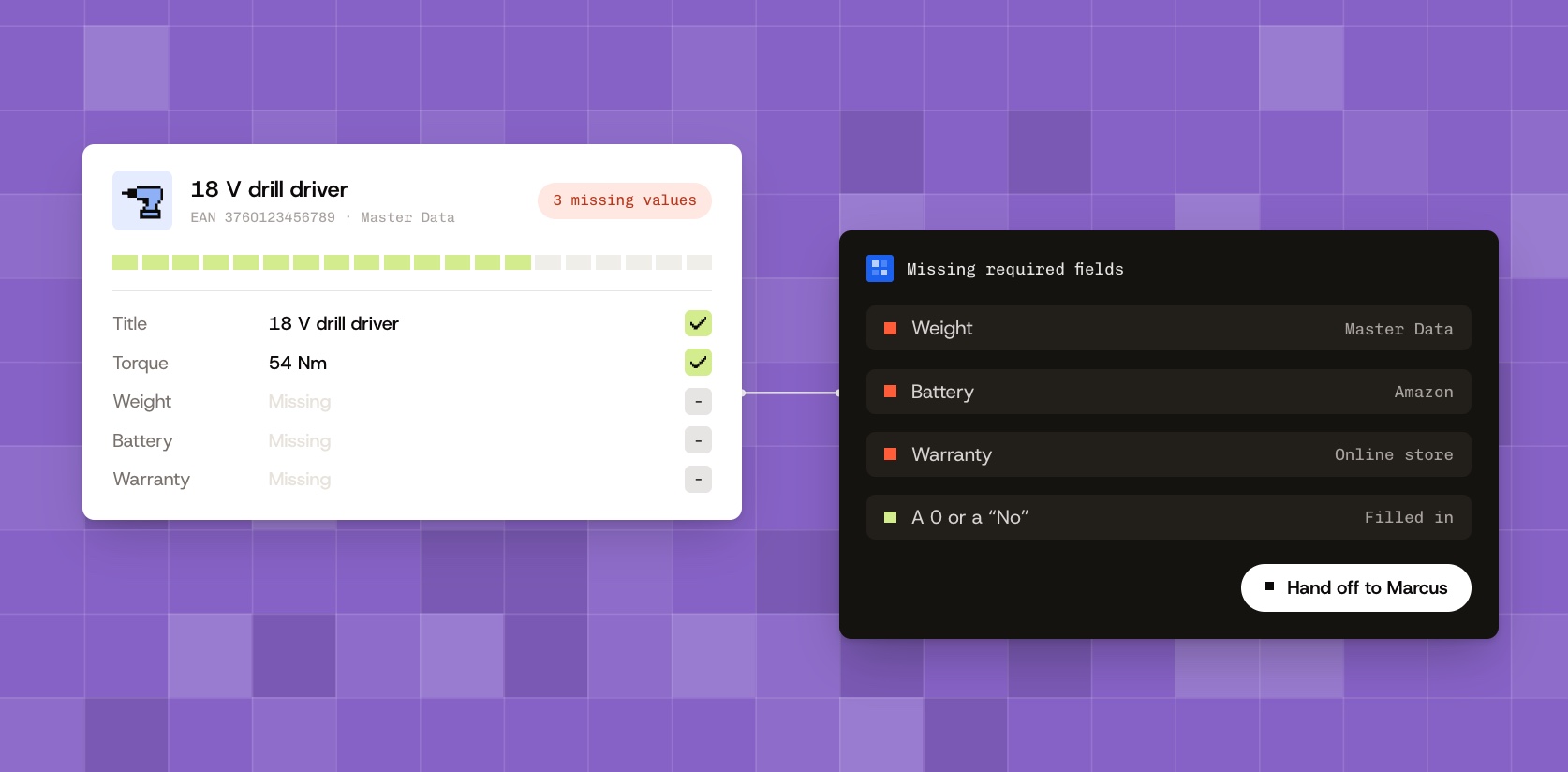
Products and sheets that need an action from you carry the “Action required” status. They have their own tab, with their count. On a channel’s page, this tab groups them by reason, and a banner shows you the next action to take.
Handle a whole batch in one move
You handle an entire group at once, without opening the sheets one by one. The “Select all” checkbox takes the whole view, whatever its size. Validating or changing a status on a selection shows as soon as you click.
A dashboard that leads to action
The dashboard sums up your catalog in four numbers: the products in your database, the complete ones, the sheets written and the sheets online. The “Create”, “Validate”, “Send” and “Handle” buttons open the screen where you act.
A clearer Product database
Each product carries a status: “Complete”, “To complete”, “Action required”, “Error” or “Blocked”. The “Blocking reasons” block tells you why a product is waiting. You decide yourself what a complete sheet is worth.
A page for each channel
Each channel has its own page. It follows your sheets step by step, from “To create” to “Published”. The “Add” button shows your product database so you can choose the channel’s products.
A quality score for each sheet
Each channel sheet gets a score out of 100. It counts five parts: title, description, FAQ, specifications and media. The detail tells you what to rework to gain points.
How reliable your sources are
Stars show how reliable each source is, from 1 to 4. A value given by a trusted source counts more in a product’s score.
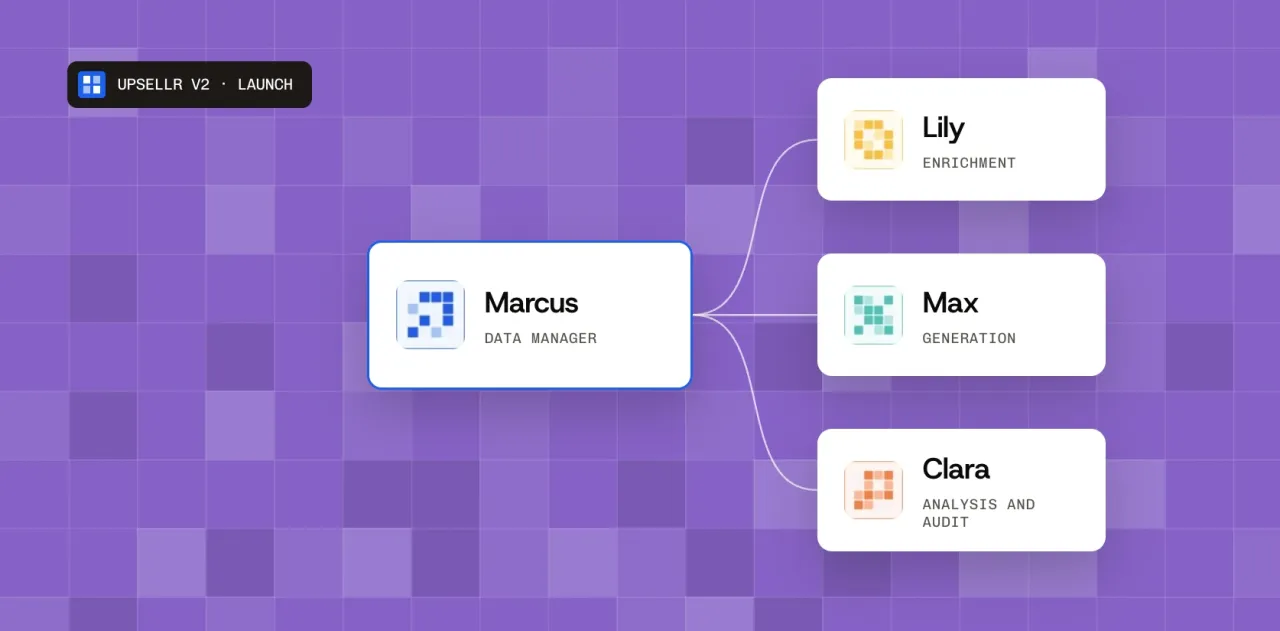
Marcus folds away
The conversation with Marcus moves to the right and folds away. Folded, Marcus fits in a badge and notifies you from a bubble. You import a file, create a channel or export from the screen, with Marcus open or not.
The whole team’s activity
The “Activity” page shows day by day what your colleagues and your agents are doing. A detailed report awaits you at the end of each collection and each sheet creation.
What goes to your store
For PrestaShop and Shopify, you choose which field goes into which slot of your store. Several fields can fill the same slot, in the order you set.
Minor fixes
Several fixes and stability improvements, including in the administration area.
 Marcus





 Amazon